



Google Business Profile Checklist: 20 Things to Check
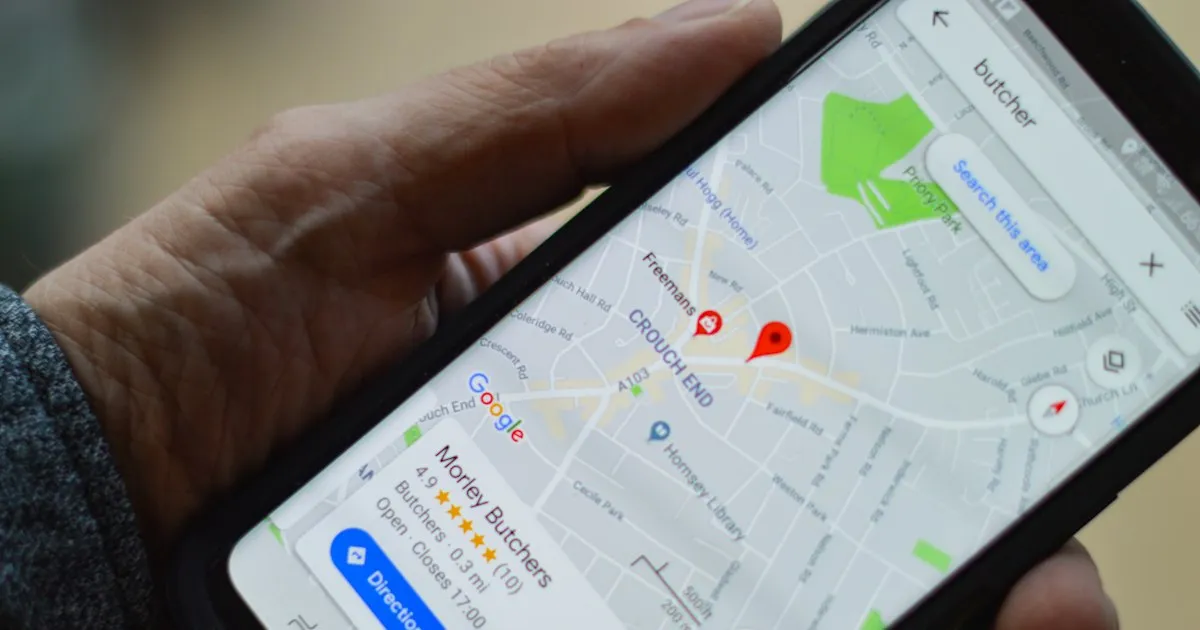
Your Google listing is often the first thing a buyer sees, before your website. This Google Business Profile checklist shows you what to check, in what order, and which mistakes can get the profile pulled.
Search for a plumber, a dentist or a law firm near you. Before you see a single website, you often see a map and a short list of businesses. Plenty of us pick from that list and never scroll further.
That's why a Google Business Profile checklist matters. It has 20 checks in six areas: verification, basic info, category, description, reviews and insights. Every check comes from Google's own help pages. For the full walkthrough of each one, read our Google Business Profile guide.
For a small local business, a profile is a must. If you don't have one, you're going to lose out on business. It can also send people to your website even when the website isn't ranking for keywords yet.
The mistake I see most is a profile that was set up and then never filled in: missing info, no photos and nobody asking for reviews. I've seen the wrong category picked, too. The checks below catch all of those.
Open your profile in a second tab. Mark each check pass or fail. Fix nothing until you reach the end.
Short answer: A Google Business Profile checklist covers six areas: verification, basic info, category, description, reviews and insights. Check them in that order, because a profile that isn't verified or breaks Google's name rules won't show up well no matter what else you fix.
How does Google decide which profiles show up?
Google's help page on improving your local ranking names three factors. Relevance is how well your profile matches the search. Distance is how far you are from the person searching. Prominence is how well-known you are.
You can't change distance. A buyer across town will often see a closer business first, and no checklist fixes that. What you can change is relevance (complete, accurate details) and part of prominence (reviews and how you answer them). The checks below work on those two.
Google's page doesn't give a single number, like a review count, that guarantees a spot. Be wary of anyone who promises one.
Is your profile claimed and verified?
Nothing else counts until this is done. An unverified profile is less likely to show up in search at all.
- You can sign in and edit the profile yourself, with an owner account you control.
- The profile shows as verified.
- If verification is pending, you haven't changed the name, address or category.
Check 3 is the easy one to get wrong. Google's verification help page says a change to the name, address or category while you wait means "the code we sent you won't work." Verification reviews take up to 5 business days. Postcard codes mostly arrive within 14 days, and they expire after 30 days, so don't ask for a second postcard while the first one is in the mail.
Google recommends video verification when it's offered. The catch is that live video calls run only during your business hours, so plan for it on a workday.
Does your basic info match the real world?
Google wants your listing to match the business as it exists offline. Hold it up against the real thing.
- The business name is your real-world name. No taglines, no city, no "best" and no keywords added.
- The phone number reaches this location directly, and the business controls it. Google asks for a local number over a call center line when you can.
- Regular hours match the hours customers can reach you.
- Special hours are set for holidays and closures.
- The address is shown only if customers visit you there. If you go to them, hide it and set a service area instead.
Check 4 is a common reason profiles get suspended. Adding "Pittsburgh's Best Roofer" to a name may look like a ranking trick, but Google's guidelines say unnecessary information in a business name "isn't permitted."
There's one exception to check 6. Google says some kinds of business shouldn't list hours at all, like those that work only by appointment. Read the guidelines before you add them.
Then open your own website and look at the footer. It should show the same name, phone number and address as the profile, spelled the same way. A buyer who finds two different phone numbers starts to wonder which one is real, and which business they're about to call.
How does your profile stack up?
Run your Google Business Profile through our free GBP Grader and see exactly what to fix.
- Scored on the 6 signals that drive the map pack
- See how you compare to nearby competitors
- Results in seconds, no signup required
- A prioritized list of exactly what to fix first
Did you pick the right category?
Your primary category tells Google what you are. It carries a lot of the relevance factor.
- The primary category is the most specific one that fits, like "Family law attorney" over "Lawyer" when it's true.
- You added a few extra categories for other main services, not one for every product.
Google says plainly that you can't create your own category. If nothing specific fits, pick the general one and describe the rest in your services and description.
Does your description and media sell the visit?
This is the part a buyer reads. The edit your profile page sets the rules.
- The description stays under 750 characters.
- It has no links, no HTML and no prices or sales.
- It says what you do, who you do it for and where.
- Real photos show your work, your team or your place. Skip stock photos and show the real thing.
- If you haven't opened yet, the opening date is set. Google shows it 90 days before the date.
A good description won't move you up by itself. Keep it plain and useful, the same way you'd answer a buyer who asked what you do.
Are you earning and answering reviews?
Reviews are the part of prominence you can grow every week.
- You have a review link or QR code, and you send it after each finished job.
- You don't offer discounts, gifts or anything else for a review. Google bans this outright.
- You reply to reviews, good and bad, in a timely way, and sign with a name.
A perfect 5.0 isn't the goal. Google's own guidance says a mix of positive and negative feedback "often feels more trustworthy." The hard part is replying well to a bad review.
Keep it short. Thank them, say what happened in a sentence or two without arguing, and say what you changed or how to reach you. Leave out anything private about the customer. The person you're really writing for is the next buyer, reading the exchange before they call. Our chapter on getting and answering reviews has more examples.
Are you reading your insights every month?
Your profile tells you what people did after they found you.
- Once a month, write down views, searches, calls, website clicks and direction requests.
- Your website link works, goes to the right page and loads fast on a phone.
Google's performance and insights page says the searches number updates at the start of each month, and it can take up to 5 days to show up. So check on the same day each month, a week in.
Read the numbers together. More views with fewer calls can mean people see you and pick someone else. Look at your reviews, photos and hours first. Compare three months before you change anything big.
Check 20 is where your profile hands the buyer to your website. If the site is slow or unclear, the click is wasted. You can test that half of the visit with the free Swift Site Audit.
FAQ
How often should you update a Google Business Profile?
Check your hours before each holiday, reply to reviews as they come in, and run this checklist once a quarter. Change your name, address or category only when the real business changes.
Can you have a Google Business Profile without a storefront?
Yes, if you meet customers in person at their place. Hide your address and set a service area. A business that works only online, with no in-person contact, usually doesn't qualify.
Why did my Google Business Profile get suspended?
The common causes are a name with extra keywords, an address customers can't visit, or a big edit to name, address or category. Fix the cause first, then file the appeal from your profile.
Want to know where your profile stands right now? Run the free Google Business Profile Grader. It scores your reviews, photos, hours and categories, shows how you compare nearby and lists what to fix first.
Cover photo by henry perks on Unsplash.